
Abhishek is an author at XDA who covers computing.
He has loved computers since he got the Lenovo G570 in 2012. Abhishek holds a master's degree in computer applications and began his writing career in 2018. He loves writing how-to articles, listicles, and informational posts on popular operating systems and web services.
He closely follows the Windows Insider program and tests new Insider builds to discover upcoming experimental features and upgrades. His past work includes long-term collaborations with reputed publications like Tom's Hardware, and Windows Latest.
When not writing anything, he is busy watching new episodes of One Piece or searching for something binge-worthy.
Imagine learning about self-hosted software for the first time. You're excited about the idea of using polished, user-friendly tools with no tracking or paywalls, without paying a dime. But you need hardware to run it, and you might not want to use your main laptop or PC 24/7. As you research more, the name Raspberry Pi pops up. A credit card-sized computer that can run most of these tools and doesn't need a lot of storage space. But the excitement drops when you see the cheapest Raspberry Pi 5 board costs $45.
Bundling the necessary accessories and storage brings the total to about $80. So why not start with something simpler that requires no investment at all? Your old Android phone is worth more than you think, and you can build a home server from it. Let's explore why you should skip buying a new SBC.
You don't need a Raspberry Pi
Anything can be a server

Before hastily purchasing a Raspberry Pi, you must understand what a server is. It's a computer that runs an underlying OS with a few packages (software) that are accessible via your local network. For home labs, you don't need an enterprise server with dozens of CPU cores or hundreds of gigabytes of memory.
Most tools are lightweight and can run on even the weakest computers, like the Raspberry Pi. Even though the Raspberry Pi is significantly powerful, it's unwise to buy it when the rates are abysmally high. 2026 is the year of repurposing old hardware for home labs, and your phone is no different. It runs an operating system (Android) and can run self-hosted tools or a suitable environment.
A phone might not have the versatile connectivity options of the Raspberry Pi, but it certainly can work as a server. Modern phones have 6–12GB of memory configurations with 128GB or more of onboard storage. It's certainly faster than the SD card storage option on the Raspberry Pi and can run most tools without an issue. You might be wondering about rooting the phone, but you don't need to.
There are full-fledged apps that can create an isolated environment and run a mini server on your phone without rooting. I highly recommend using them before flashing another OS on your phone. Rooting doesn't always go as planned and can render your phone unusable.
Old Android phones are useful
Turning them into a server is possible
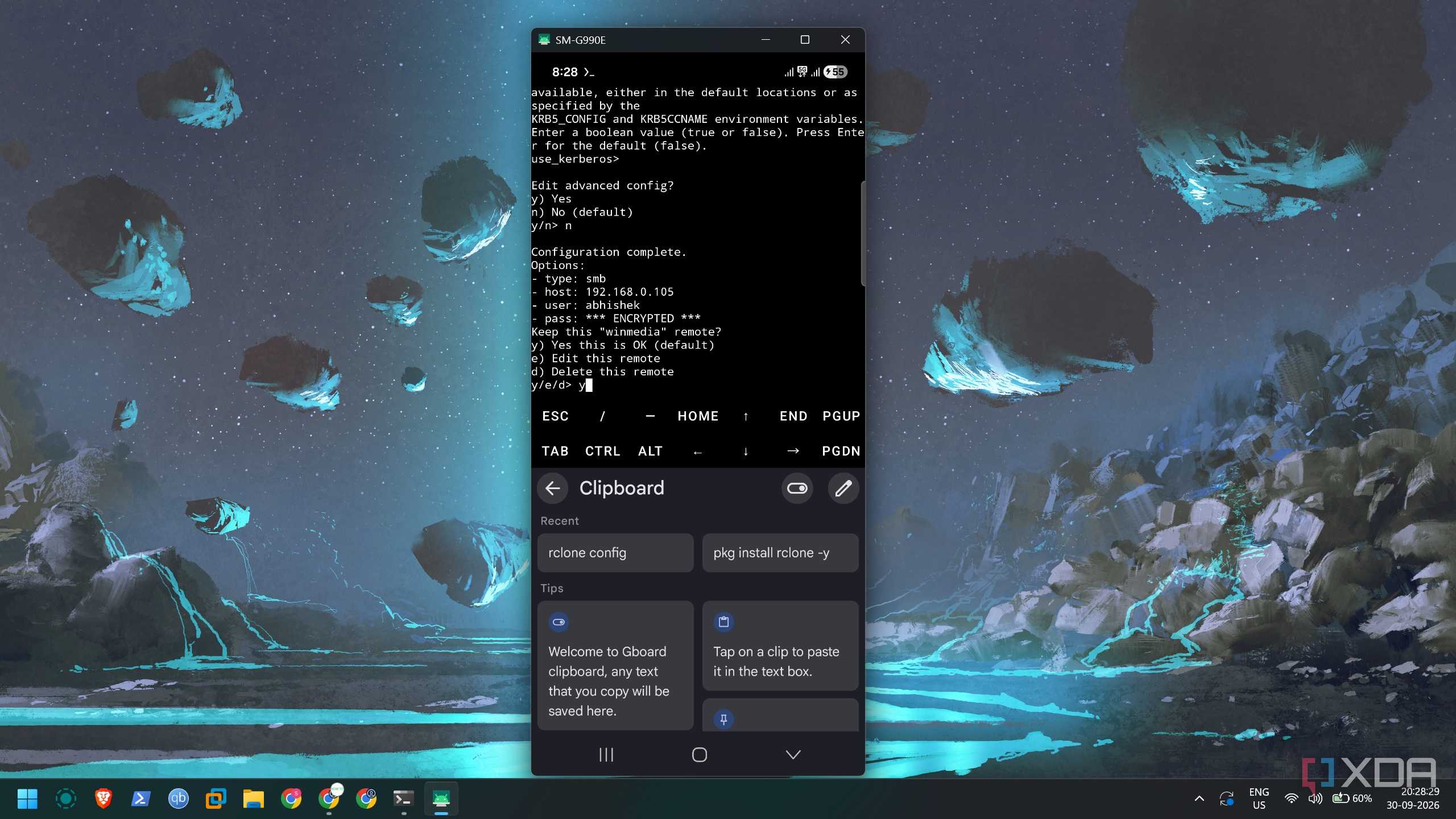
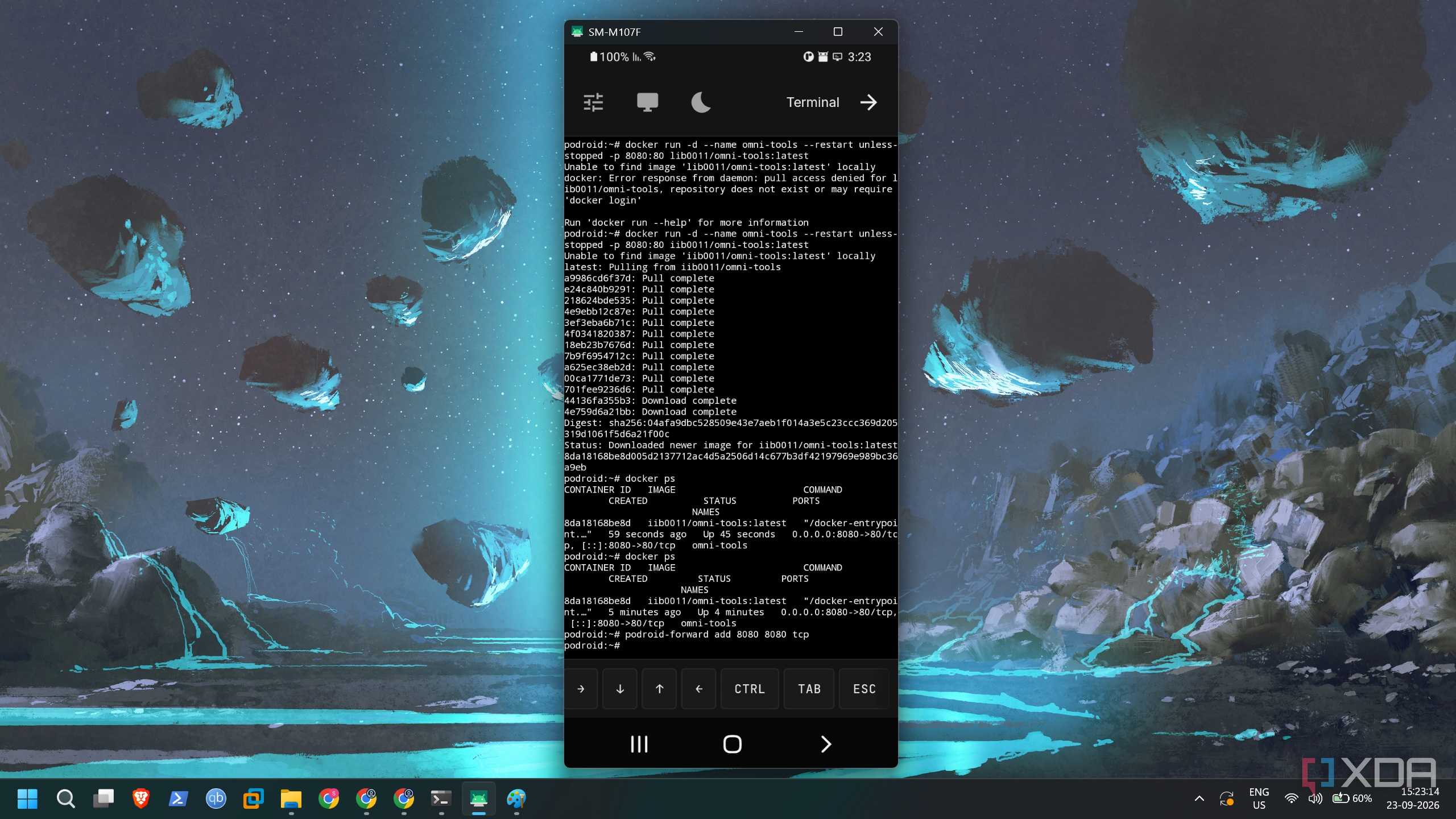
Most of the old Samsung Galaxy or Pixel phones (or any other brand) ship with a custom or default Android skin. It isn't a blank slate as you get with a new Raspberry Pi or any other computer. So, you need an app like Termux or Podroid to avoid rooting the phone. It's also not easy to wipe the Android OS and install a Linux distribution. Wiping the Android OS from a phone isn't convenient, so I would suggest sticking with these apps.
I've used many of them, and the best part is that all your data and tools that you want to host live inside the app. So, if you don't want to use the phone as a server later, you can wipe all of these items by simply uninstalling the app. Termux is available on multiple platforms and works without an account registration.
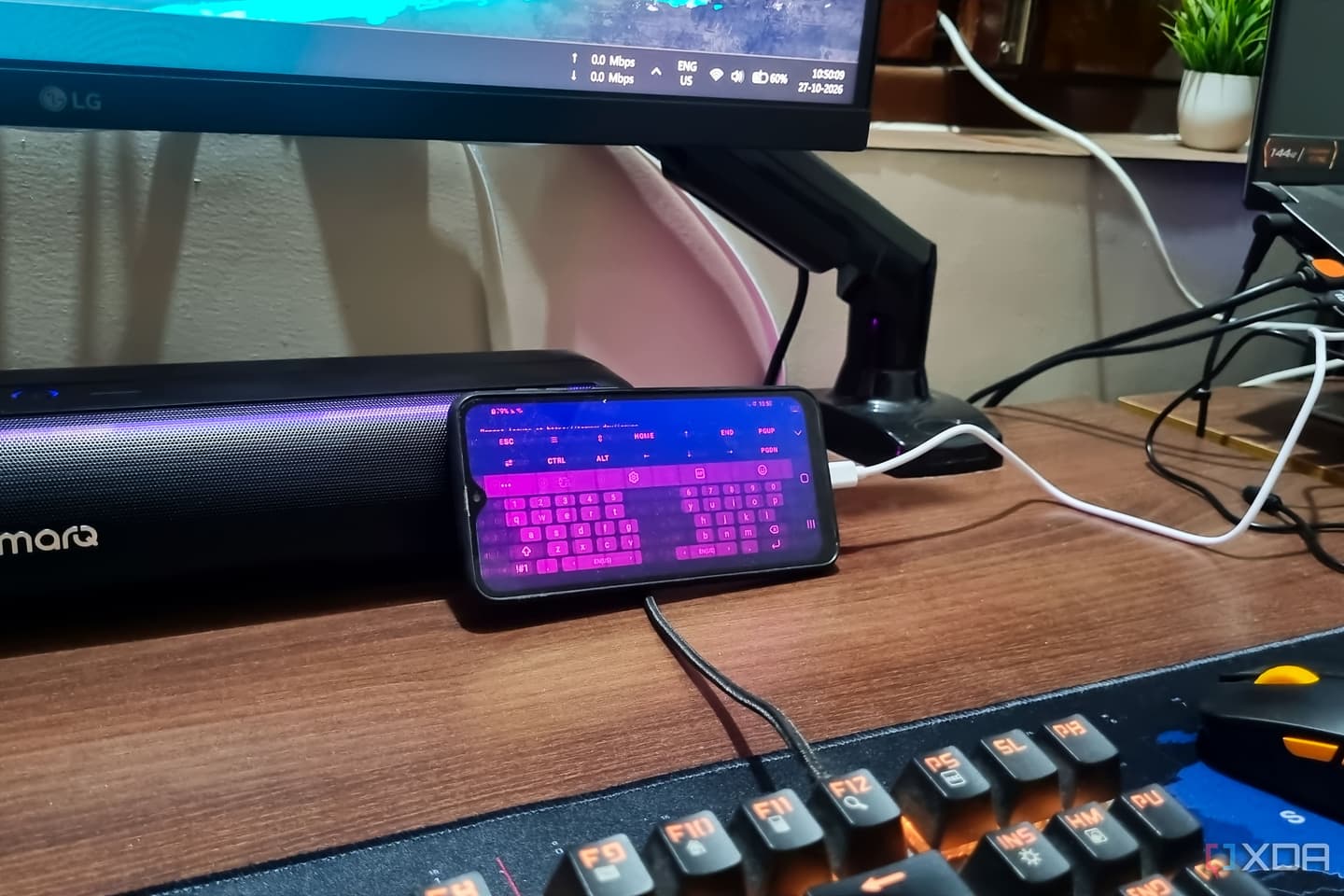
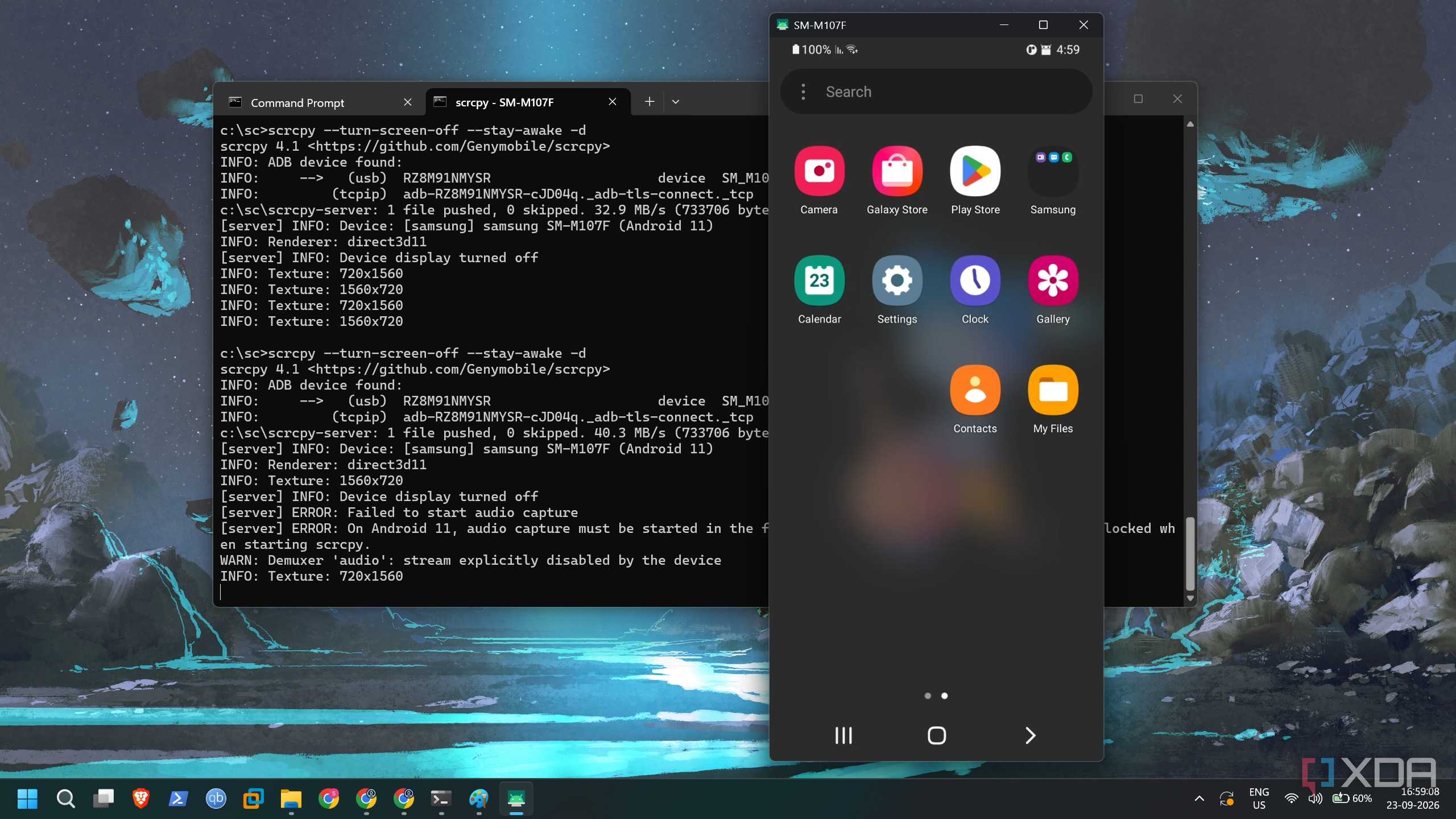
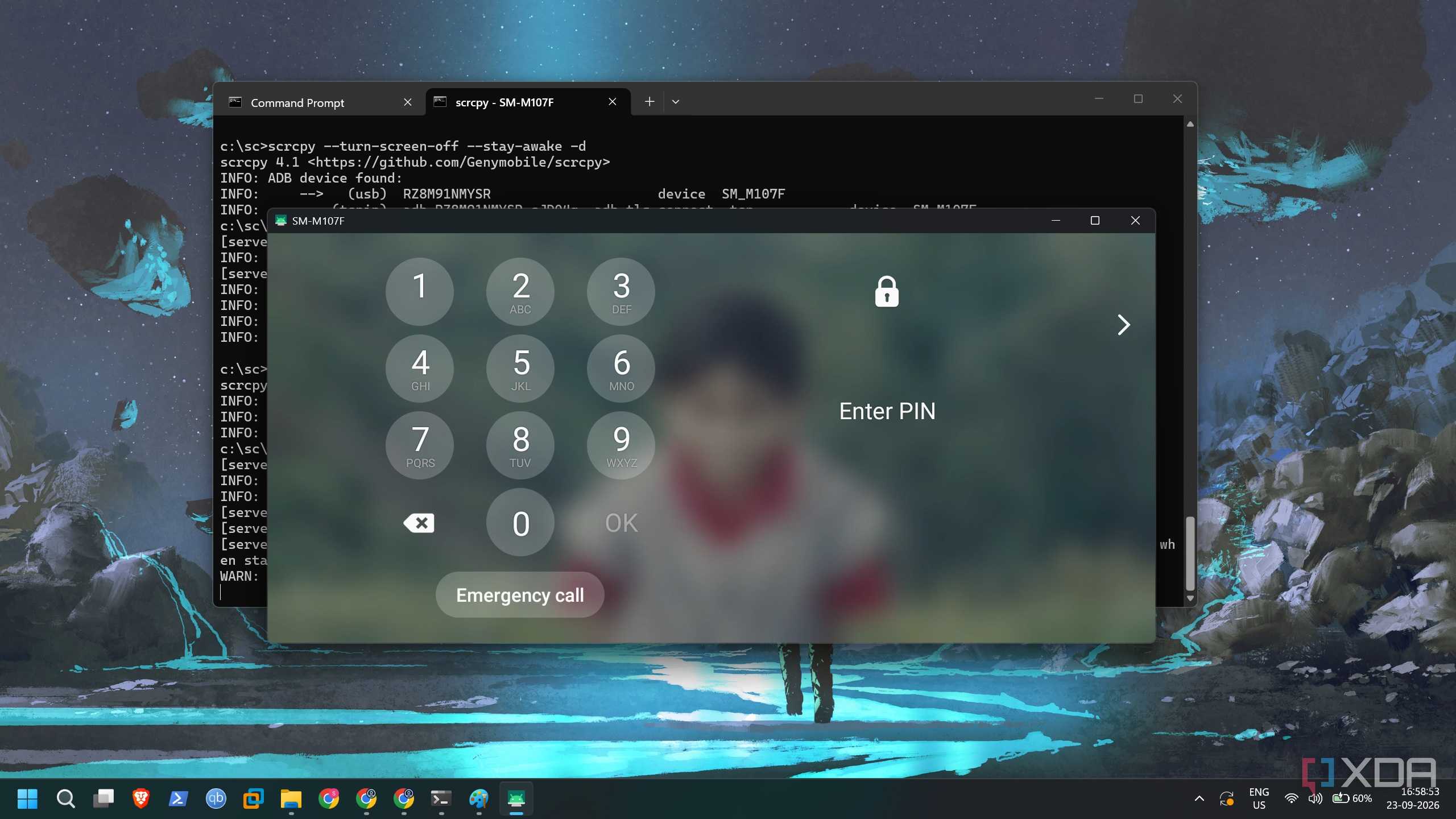
Inside, you'll need to learn the underlying Linux OS, its commands, and a few other things to run the server. You can start by enabling storage access for Termux and SSH to control the server remotely. Alternatively, you can use SCRCPY, an ADB-powered tool to mirror the phone screen and set up the server on your PC.
I find it convenient for the first run because the phone screen is too tiny to do anything. Moreover, you get clipboard support in the tool, so you can search for commands on the PC, copy and paste them into the Termux terminal. I use PRoot in Termux because it can run lightweight Linux distributions like Ubuntu, which is familiar ground for me. So, managing packages, installing new ones, and minor configuration tweaks are easier.
However, it's suitable for single-package installs because it cannot run containerization tools like Docker. To use Termux’s containerization features or Podroid, which supports virtualization, you'll need to root the phone. There is a noticeable performance tradeoff compared to an SBC, but the phone's still good for a server role.
Running lightweight tools
PDF suite, toolkits, password managers, and more

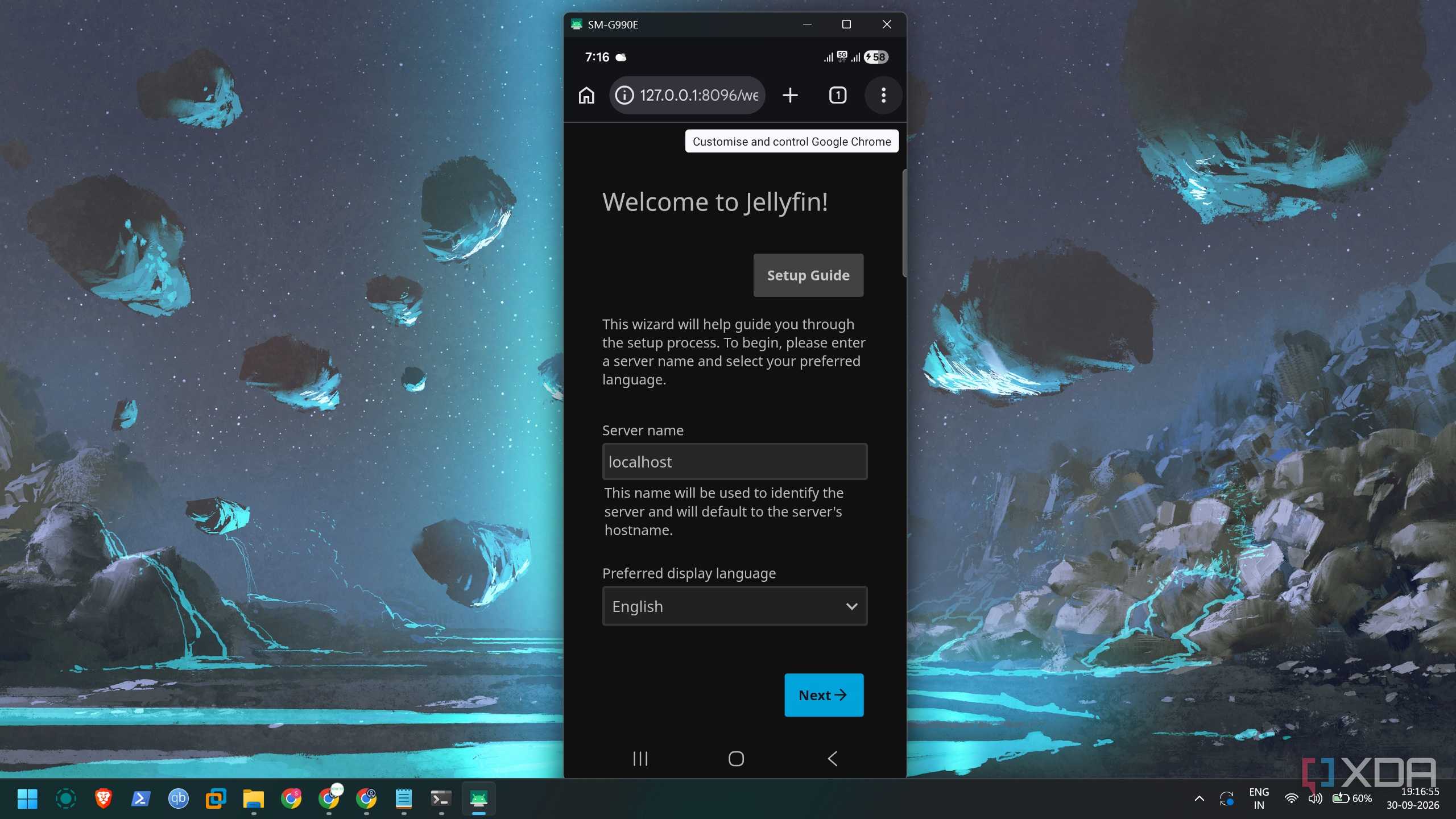
Once you have your server setup, you can experiment with self-hosted tools. I have tried BentoPDF, OmniTools, Vaultwarden, etc., on my entry-level Android phone, and they run fine. Media servers like Jellyfin need a bit more powerful hardware, like a mid-range smartphone. I have tested Jellyfin on an old Samsung Galaxy S21 FE, and it's not bad for 1080p streaming on a couple of devices. Similarly, you can use it as a local cloud storage server or host a family dashboard on it.
The phone has a built-in battery, and it can keep your tools available during power outages. You'll also need to add a mini UPS for the router to ensure internet connectivity. Neither device uses much power, but a phone can get slightly hot when running demanding tools. You might also worry about the charger being plugged in constantly, but most phones have overcharge protection now.
A phone is equally good
If you're curious about building home servers, an Android phone is a solid way to start. It teaches you to repurpose other devices and not rush to buy an SBC. You also get to work in the terminal, which is central to creating and managing lightweight home servers. The best part is that everything is isolated from other apps and phone data, and cleanup is equally simple. It'll have some performance loss because of the virtualization overhead in Podroid. But don’t root your phone until you hit a wall with the basic tool deployment and management.

Samsung Galaxy S26
- Snapdragon 8 Elite Gen 5
- 6.3-inch Dynamic AMOLED 2x
The latest flagship series phone with new AI features and improved camera.
- 12 GB
- 256 or 512 GB