
Saeed Wazir is a South Africa-based journalist with over 15 years of IT experience and a love for reading and writing. He joined Pocket-Lint after writing tech articles for Dot Esports and Screen Rant and now covers the latest in TV, streaming, laptops, tablets, and PCs. When he's not looking for the latest gadgets, he's relaxing on the beach or exploring open-world games.
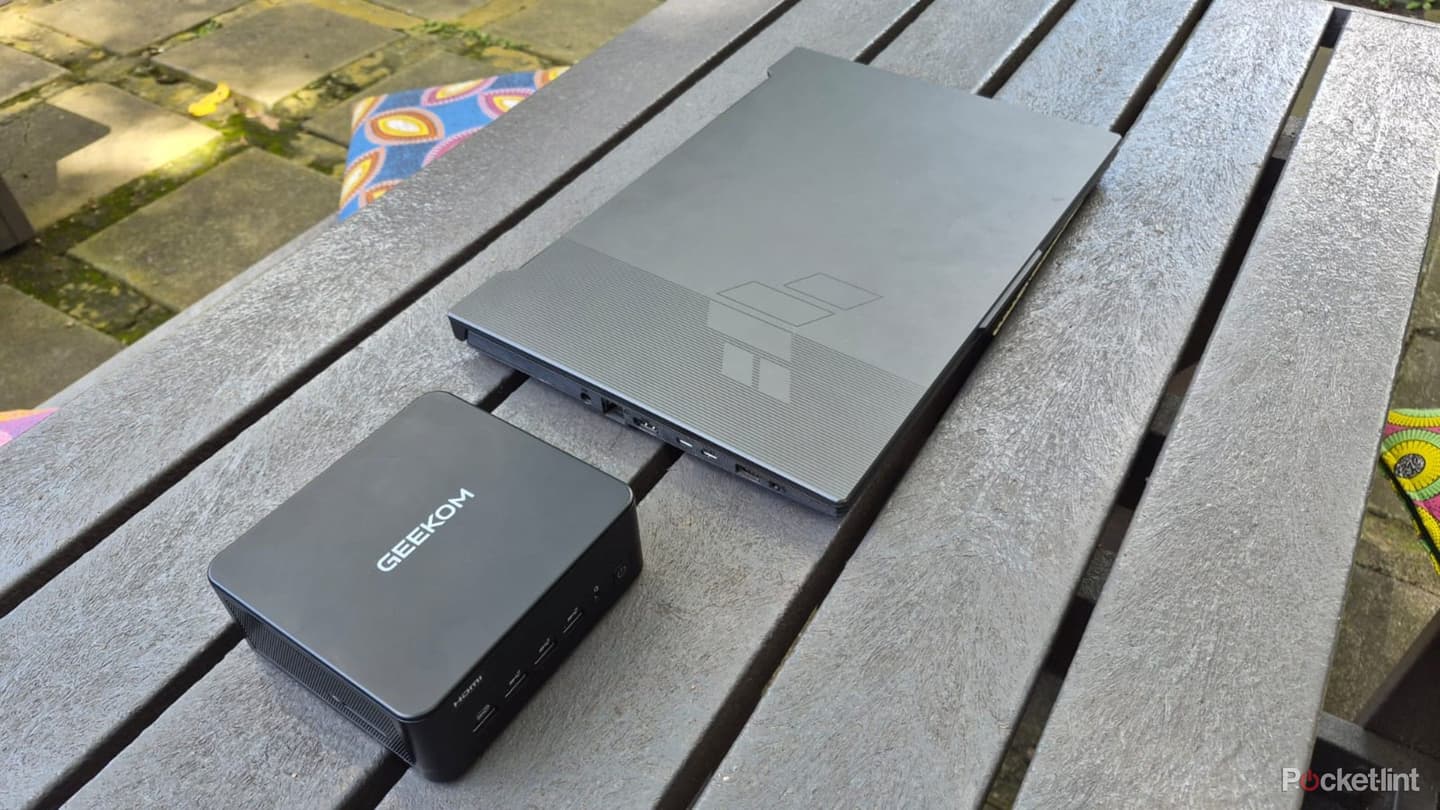
I've been using the same Asus gaming laptop as my daily driver for the last few years and have few complaints. It's powerful enough to handle everything I throw at it and has a spacious display and keyboard for everyday convenience. On the other hand, it's bulky to carry, especially when I factor in the charging brick, mouse, and laptop stand that I need to lug around with me. And yes. I also carry an external monitor wherever I go.
I recently got my hands on a cheap mini PC and wanted to know if it could replace my Windows 11 laptop. I wanted to see how it would perform for my daily work tasks, as well as light gaming and media. I often use my laptop on the go and took the mini PC with me to coffee shops to see how it stacked up. Here's how it went when I replaced my laptop with a mini PC.
Setting up the mini PC
Simple and straightforward
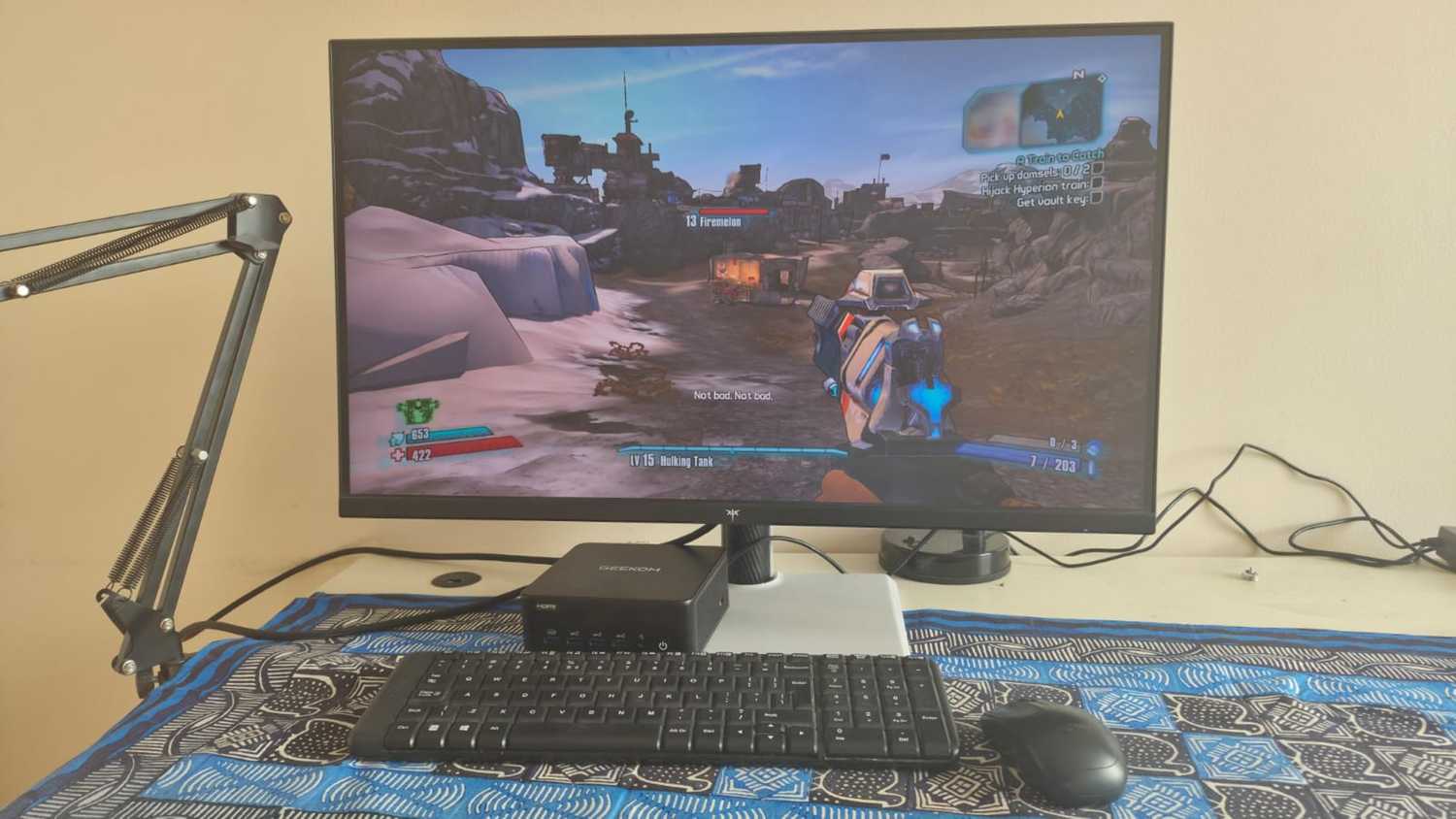
My laptop is an all-in-one device, but I had to connect a separate display and mouse and keyboard to the mini PC to get it going. It wasn't a problem and I connected a 27-inch gaming and a 15-inch portable as my primary and secondary monitors.
I used my usual Logitech mouse and added a wireless Logitech keyboard, and I was good to go. I already had these devices, so there was no additional cash outlay.Then I logged into all my accounts and copied all my data onto the new mini PC and began working.
Using the mini PC as a daily driver
A few surprises
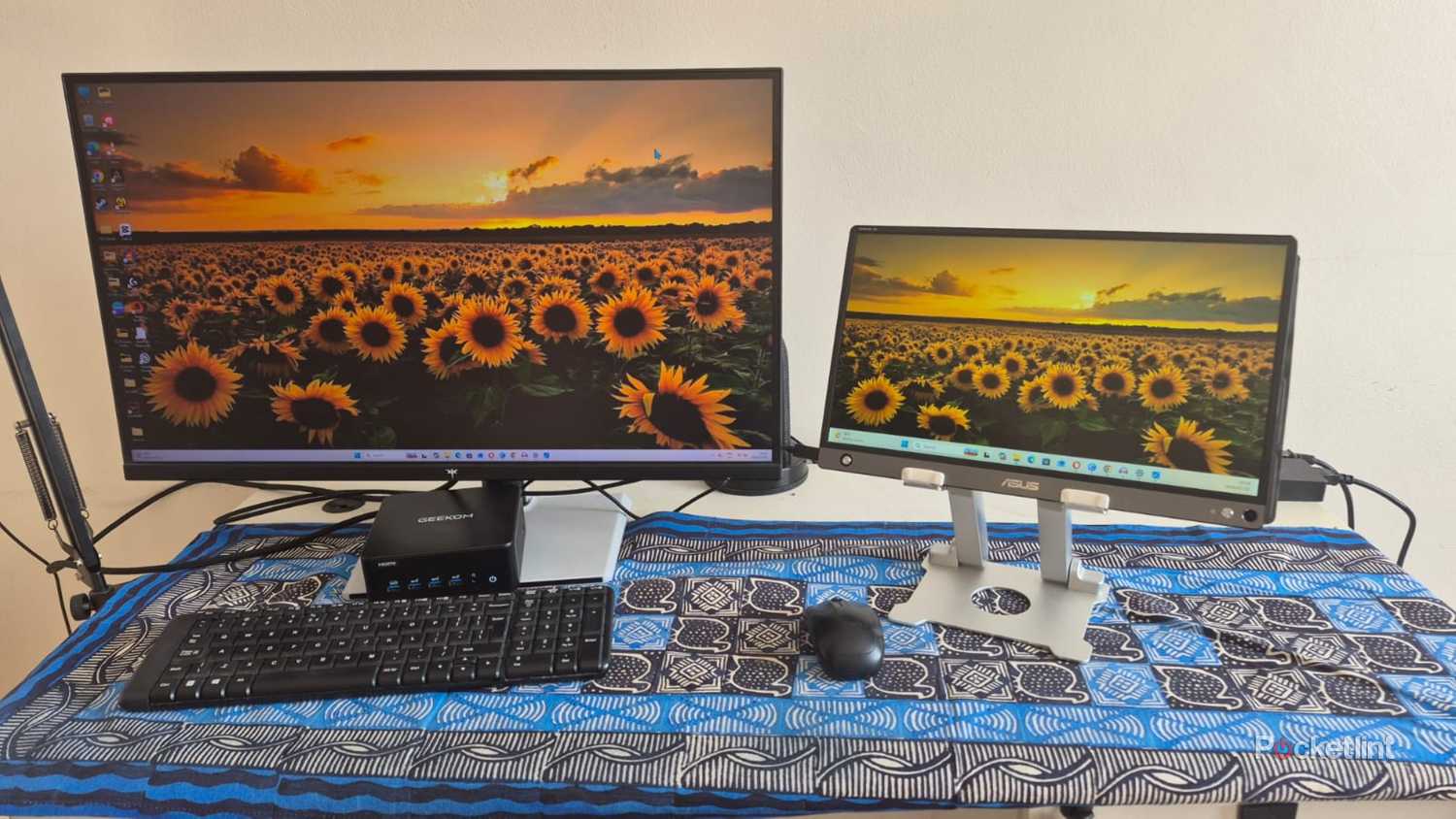
The Geekom IT13 Max is newer and far more powerful than my daily driver laptop, despite lacking a high-end graphics card. I didn't notice a performance difference for most tasks, but was happy its increased RAM could handle more open browser tabs than my laptop. It effortlessly ran my custom work CPU, and numerous open documents and apps without breaking a sweat. The dual monitors mimicked my usual setup and offered identical functionality.
The dual monitors mimicked my usual setup and offered identical functionality.
Streaming movies and watching podcasts was where I experienced my first challenge. The mini PC lacks onboard speakers, so I needed to connect my gaming headphones via a USB dongle. I could've also used my earbuds via Bluetooth, but they aren't as powerful and sometimes lag.
I wasn't expecting much in the way of gaming performance and was pleasantly surprised with how the mini PC handled less demanding titles, like Valorant, Assassin's Creed Origins and Borderlands 2. I got consistently framerates with these titles, with Assassin's Creed Origins being the most demanding and getting around 30 fps with 99% GPU usage. This is expected for a mini PC, and it's unable to handle newer AAA titles due to its GPU limitations.
Using a mini PC on the go
Ups and downs

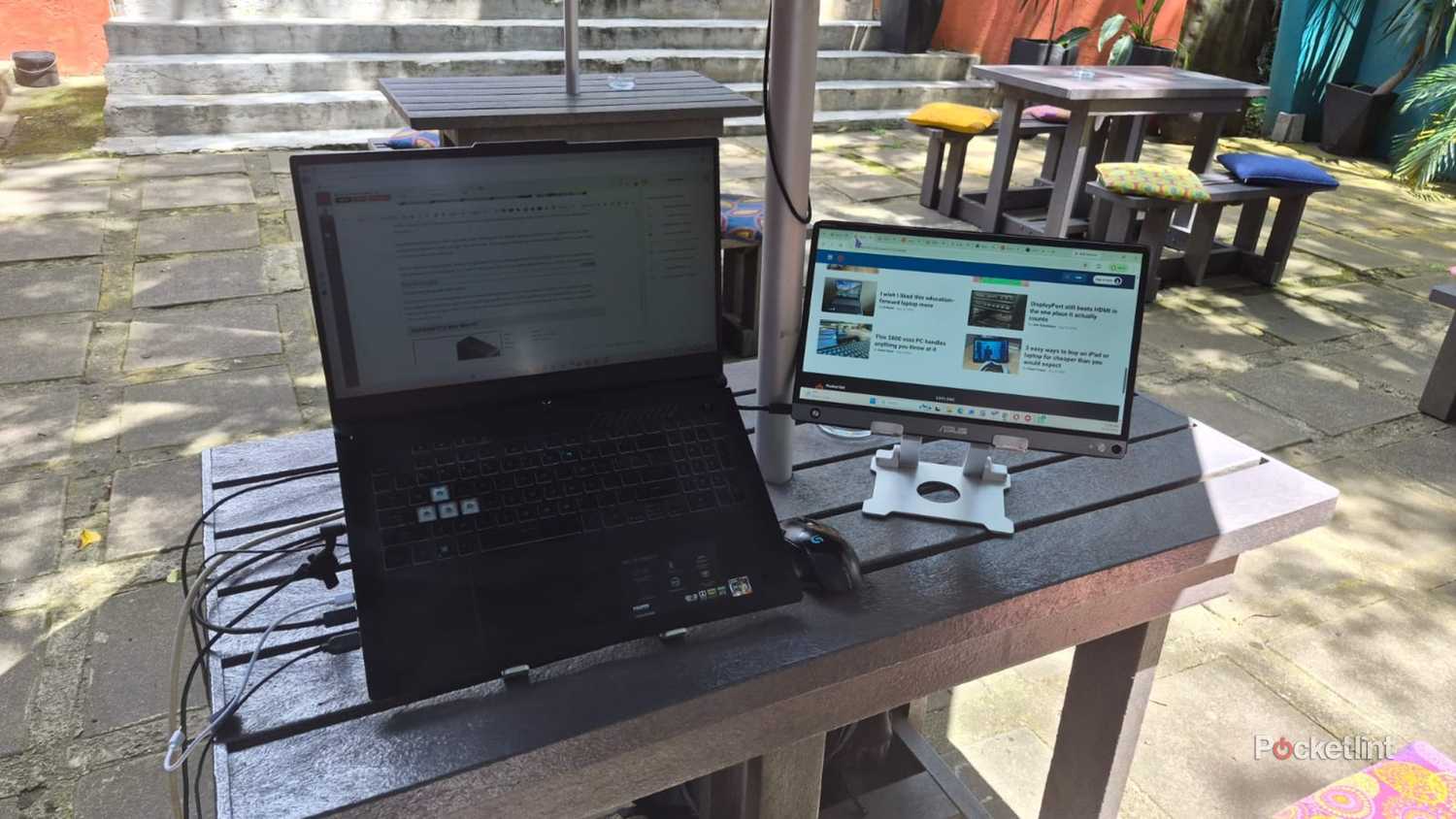
Mobility is the biggest advantage of carrying a laptop and I wondered how the mini PC would compare. The overall weight was about the same as my laptop when I packed the mini-PC, mouse and keyboard, power adapter, portable monitor, and monitor stand into my bag.
Setting it up took a few minutes longer than switching on my laptop because I had to attach all the peripherals. After that, it worked as well as my laptop, but needed constant power. The lack of a built-in battery is by far the biggest weakness of a mini PC for on-the-go work. I usually use a power outlet anyway with my laptop and didn't feel it that much, but understand how it could impact other users.
The lack of a built-in battery is by far the biggest weakness of a mini PC for on-the-go work.
Having one monitor instead of two bothered me more than the power issue. I usually have my laptop and an external monitor for outdoor work and the single portable monitor connected to the mini PC limited my productivity. Sure I could try to carry another monitor, but it wouldn't be practical and won't fit into my bag.
Other than these gripes, I managed to work fine with the mini PC outside. It wasn't as comfortable as my laptop, but it wasn't as bad as I thought it would be.
What I liked about using a mini PC
Size and practicality

I liked that the mini PC packs serious power into a compact size and I never felt like I was compromising on performance. I also liked the clean and user-friendly experience offered by the standard Windows 11 OS with no unnecessary bloatware. This is one of the things that bugs me the most on my Asus laptop and the difference was refreshing.
The mini PC blew my laptop away in this department.
I can't overstate how happy I was to have an abundance of ports to connect all my devices. The mini PC blew my laptop away in this department with two HDMI ports, six USB-A ports, two USB-C ports, and an integrated card reader.
I liked being able to customize my experience with a monitor and keyboard of my choice, but feel this can be an advantage or disadvantage depending on what hardware you already own.
What I didn't like about using a mini PC
Certain limitations

Right off the bat, the lack of a built-in battery can be a major hindrance if you're planning on using a mini PC in public places. The need to carry more devices and connect them can also be annoying because there's more stuff to keep track of.
The lack of onboard speakers was another thing I didn't like about the mini PC. It was impossible to enjoy anything with sound without carrying my earbuds or headphones with me, and just added to the things I needed to carry.
Other laptop vs mini PC considerations
Factors to consider
Price is a major factor to consider when deciding between the two. When comparing apples to apples, a mini PC is far cheaper than a similarly specced laptop. That said, you'll still need to add a monitor, mouse and keyboard, which could be more expensive, depending on your choice.
Upgradability and longevity are often overlooked when comparing the two. Modern laptops are getting harder to upgrade, and you might not be able to upgrade the RAM or storage if you want to later. If you have an issue with the motherboard or display, there's a good chance you'll need to replace the whole thing.
Mini PCs are more flexible and offer a degree of upgradability. You can easily replace the RAM and storage if you feel like upgrading later. The modularity is another advantage. If your mini PC has a major fault, you can replace it without losing your monitor and keyboard with it.
Overall thoughts
You can't go wrong with either option
I think the mini PC is an amazing device and an adequate desktop replacement. It offers fantastic performance for most tasks and offers more practicality in certain areas like connectivity and upgradability. A laptop is still the superior option for traveling due to its integrated battery and all-in-one design. A mini PC is the better option for users who remain at their workstations all day. I'd choose a laptop because I often work on the road.
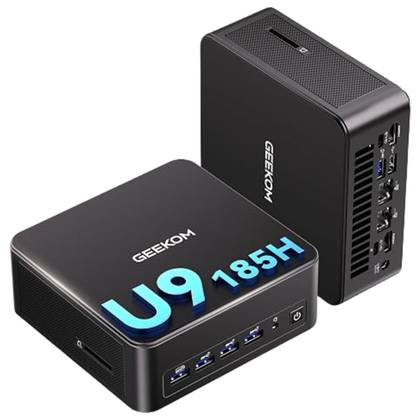
GEEKOM IT13 Max Mini PC
- Geekom
- Intel Core Ultra 9 185H
- Intel Arc graphics
- 24GB
- 512GB
- Windows 11