
Korbin is a Linux system administrator who spends most of his time in a terminal figuring out how things actually work. Over the last decade he's written hundreds of articles about Linux configuration, troubleshooting weird problems, and using open-source tools in the real world.
He also works a lot with Windows systems and networking, especially in mixed environments where things don't always behave the way the documentation says they should. Writing things down is how he makes sense of it all and hopefully saves someone else a few hours.
When it comes to a NAS system, I've always been told it's best practice to use hard drives of the same size. Even better if they're the same manufacturer and model. That advice made sense at first, since you could expect consistent reliability and behavior across the whole batch of drives.
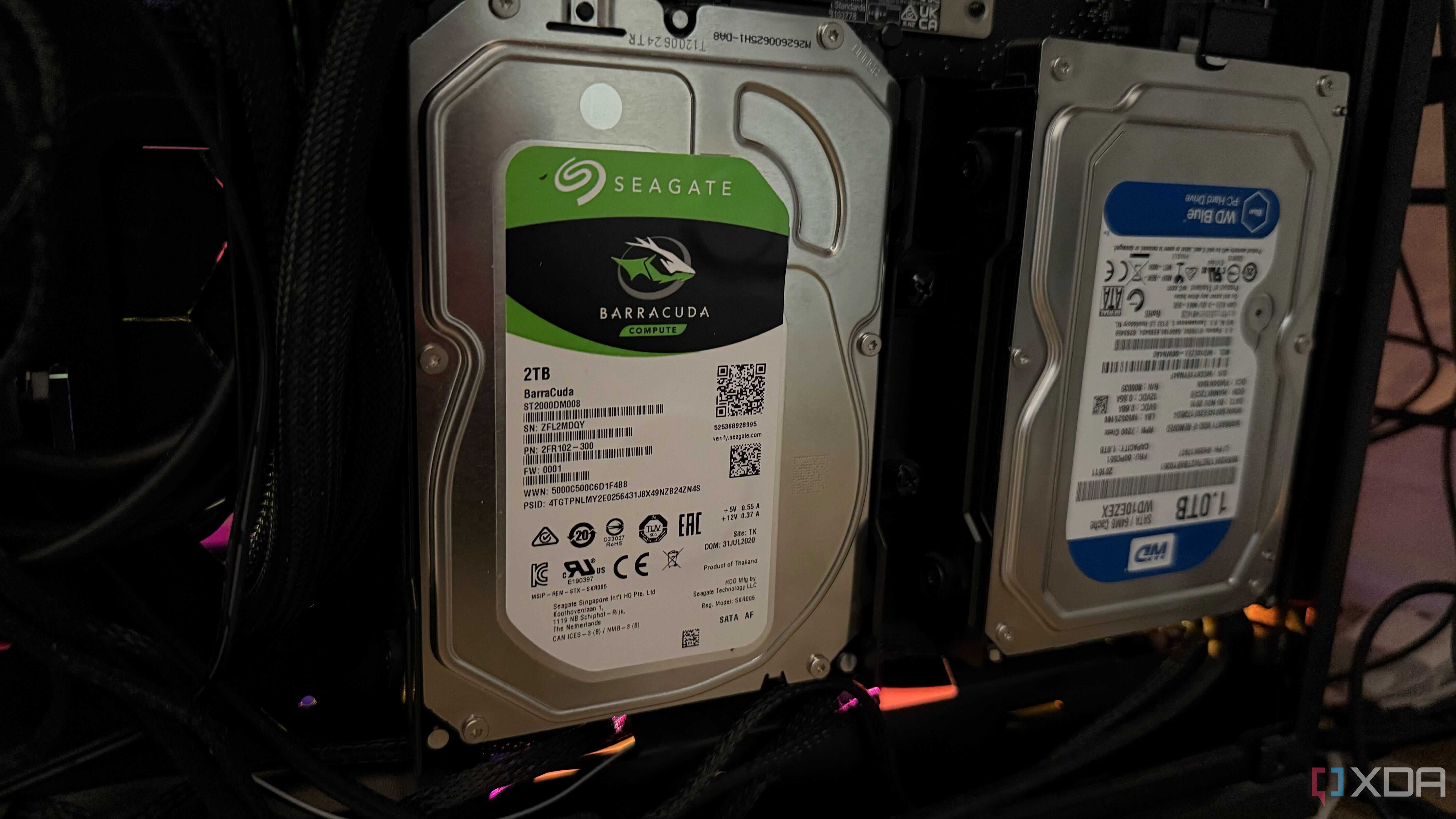
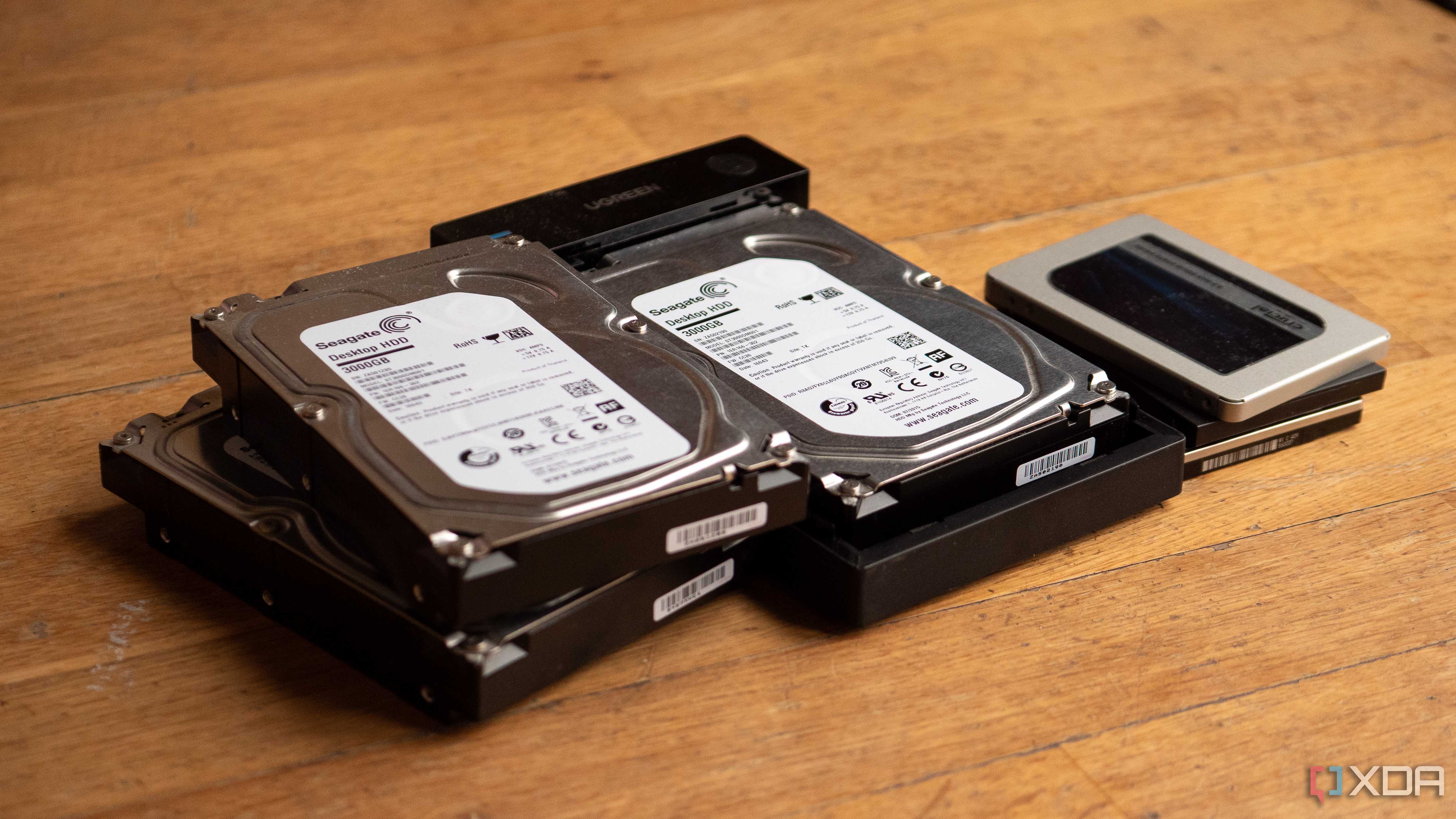
The opportunity to build a NAS that way never came to me. I ended up with a stack of mismatched hard drives on my desk that were yanked out of old PCs, so I opted for a DIY NAS that was cobbled together from free storage I already had lying around. The drives were different brands, different capacities, and had varying levels of wear. What surprised me was that the NAS I built turned out to be incredibly dependable, and I now attribute a lot of that to the inconsistent hardware inside of it.
The hard drives that ship together...
Also tend to die together
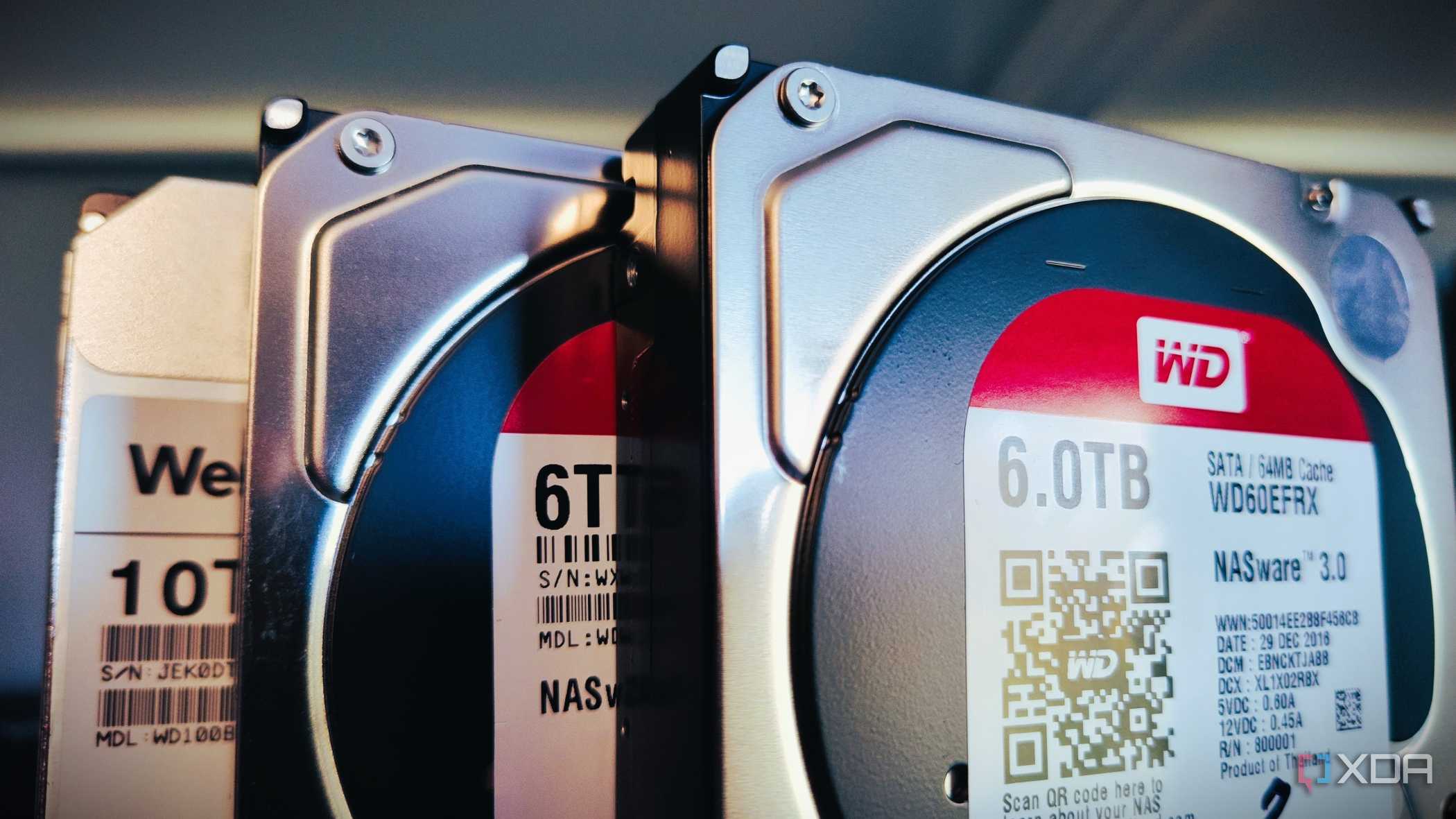
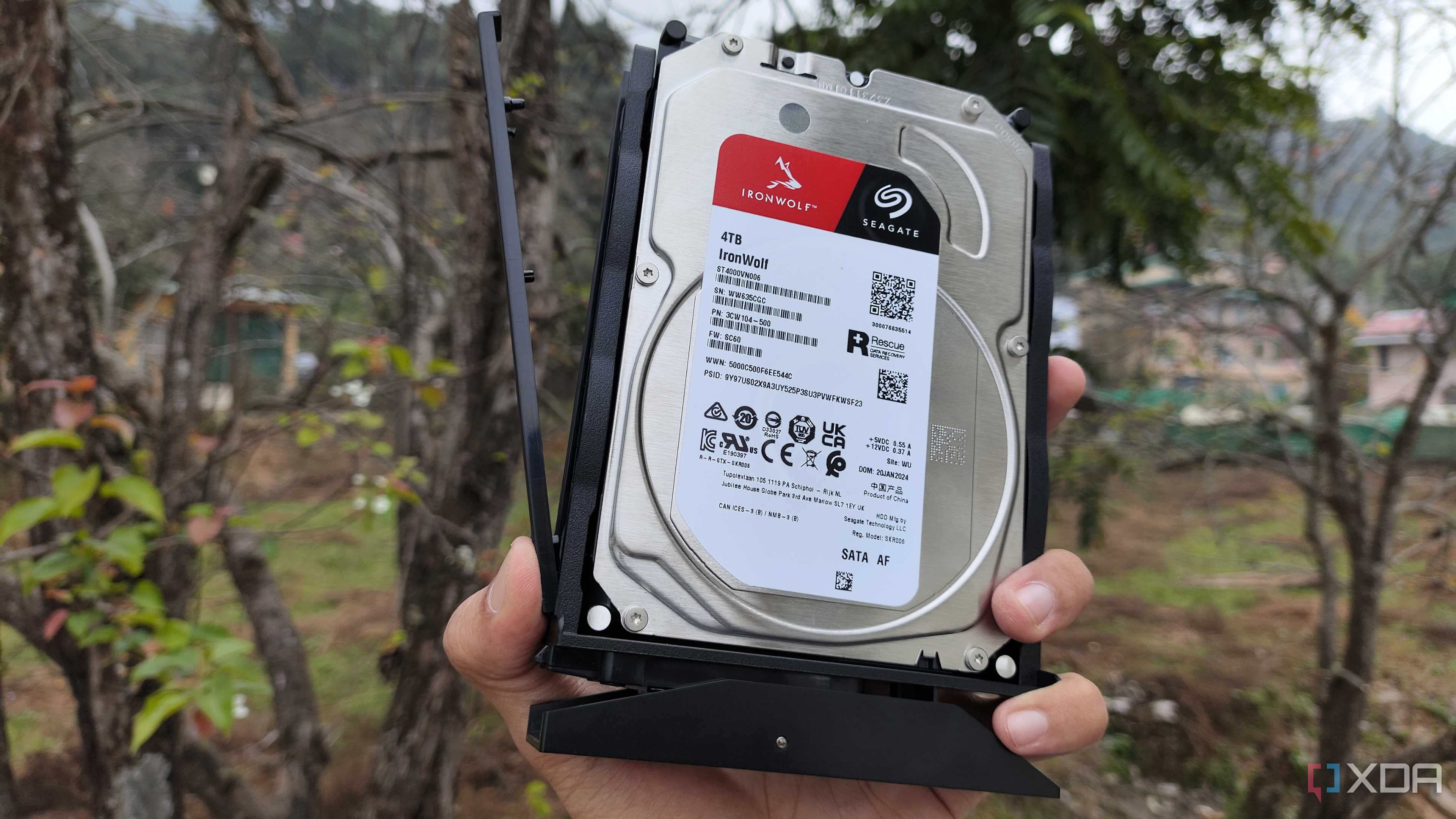
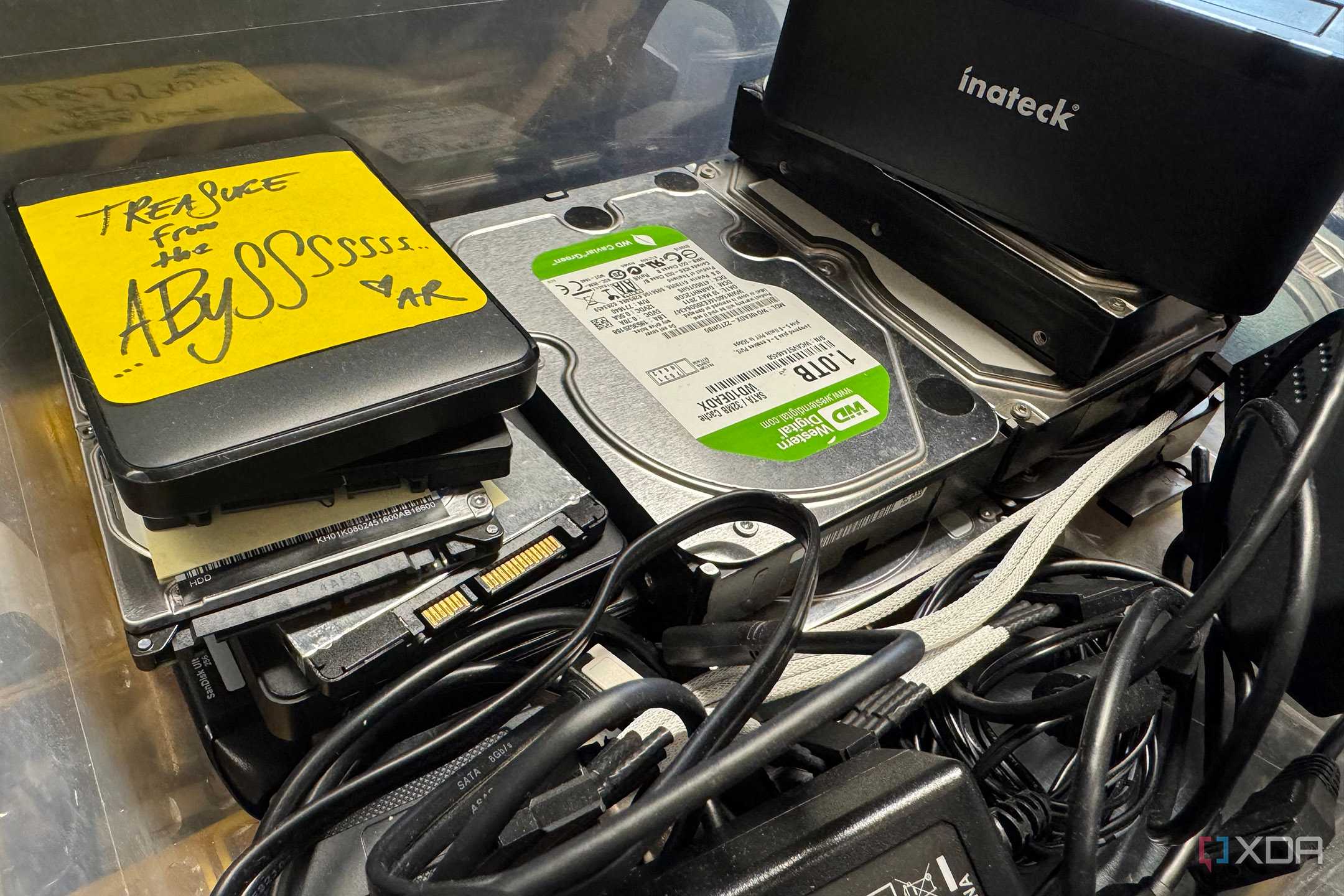
I understand the reasoning behind buying identical hard drives for a NAS. They all come with the same capacity, firmware, and performance, so they'll operate consistently across a shared pool. You're less likely to run into random issues if all the hardware came from the same batch. It makes sense to go that route when building from scratch.
My hodgepodge of drives ended up being a blessing in disguise, though, after I read about numerous horror stories online about users who had multiple drives fail simultaneously. In all those cases, the cause was buying all drives from the same batch. That means that if one drive has a defect during manufacturing, it's much more likely that the drives right before and after it on the assembly line also share the same problem.
A backup doesn't do any good if it fails the same day as the primary copy. I diversified my storage hardware, although not intentionally, which shields me somewhat from this problem. Sure, I could still get astronomically unlucky and have multiple drives go down at once, but at least the chances are lower. My drives come from different factories, across different years, and have power-on hours that differ by thousands. They're statistically more likely to fail at separate times than a set of drives that arrived in the same shipment.
Same-size drives work better for a NAS
RAID only looks at the smallest drive
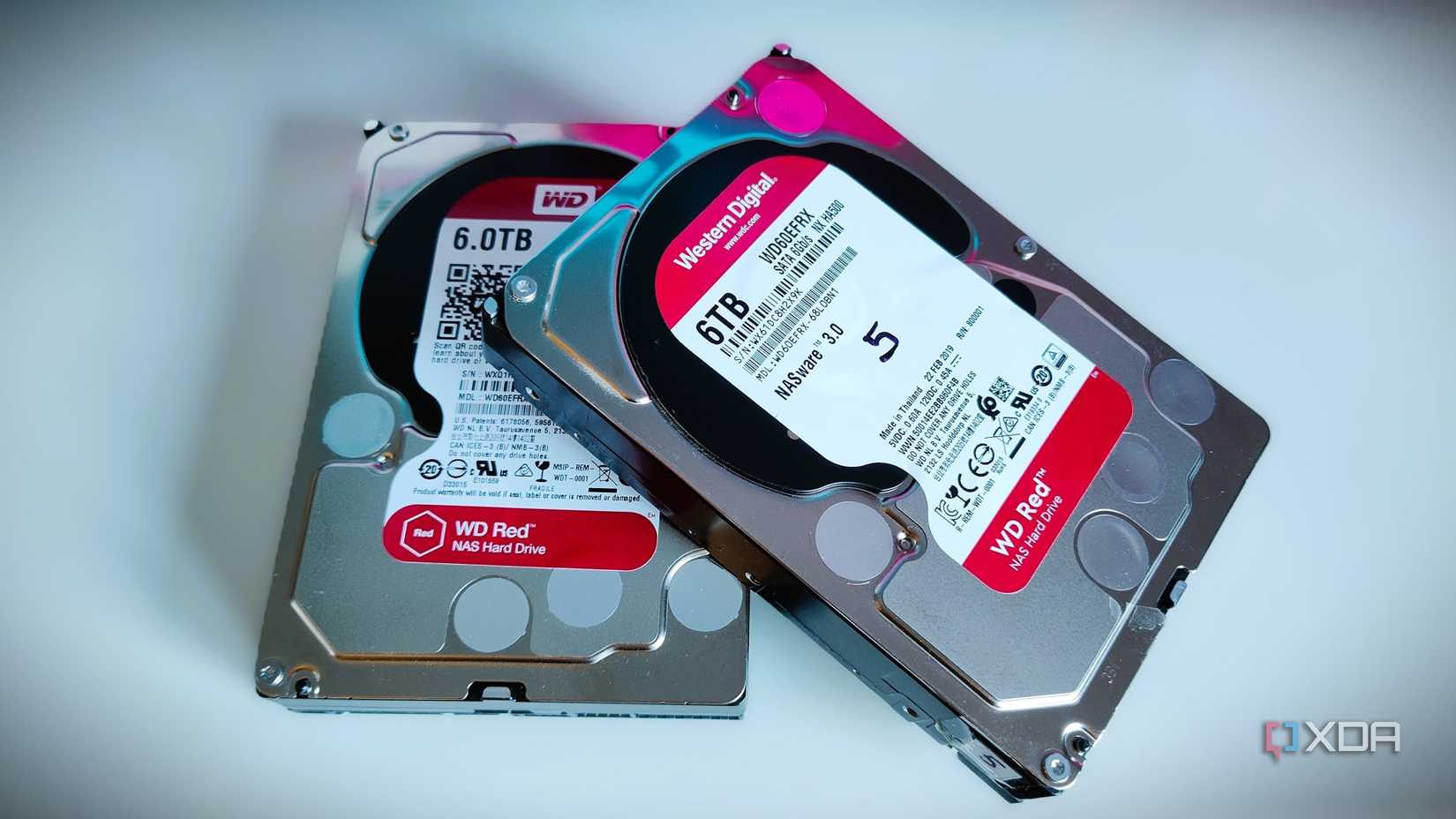
This setup was only made possible because of all the PC upgrades I'd done over the years. After a while, I'd accumulated enough old parts, plus scrap towers from friends that no longer wanted them, to assemble a NAS out of odds and ends. If you're often swapping out PC parts or volunteering as the dumping ground for family members' old computers, you might be able to scrounge a NAS together, too.
The best part of my NAS was the price (or lack of one), but it did come with a catch. Most people with a NAS will probably want to use RAID. I personally use RAIDZ2. The problem with RAID on this setup is that it only cares about the smallest drive in the pool. So, if I have a 4TB drive and a 6TB drive in the same array, I'm effectively throwing away 2TB of storage.
I still get around 14TB of usable storage, which I'm totally fine with, but I'd be lying if I said that I didn't sometimes think about the few extra terabytes that are being wasted. It's a tradeoff I've resigned myself to accepting, and it's the only big one I needed to. All of the other differences among my mixed array of disks haven't caused any actual issues.
One slow drive drags down the whole pool
I've had to manage my expectations with performance
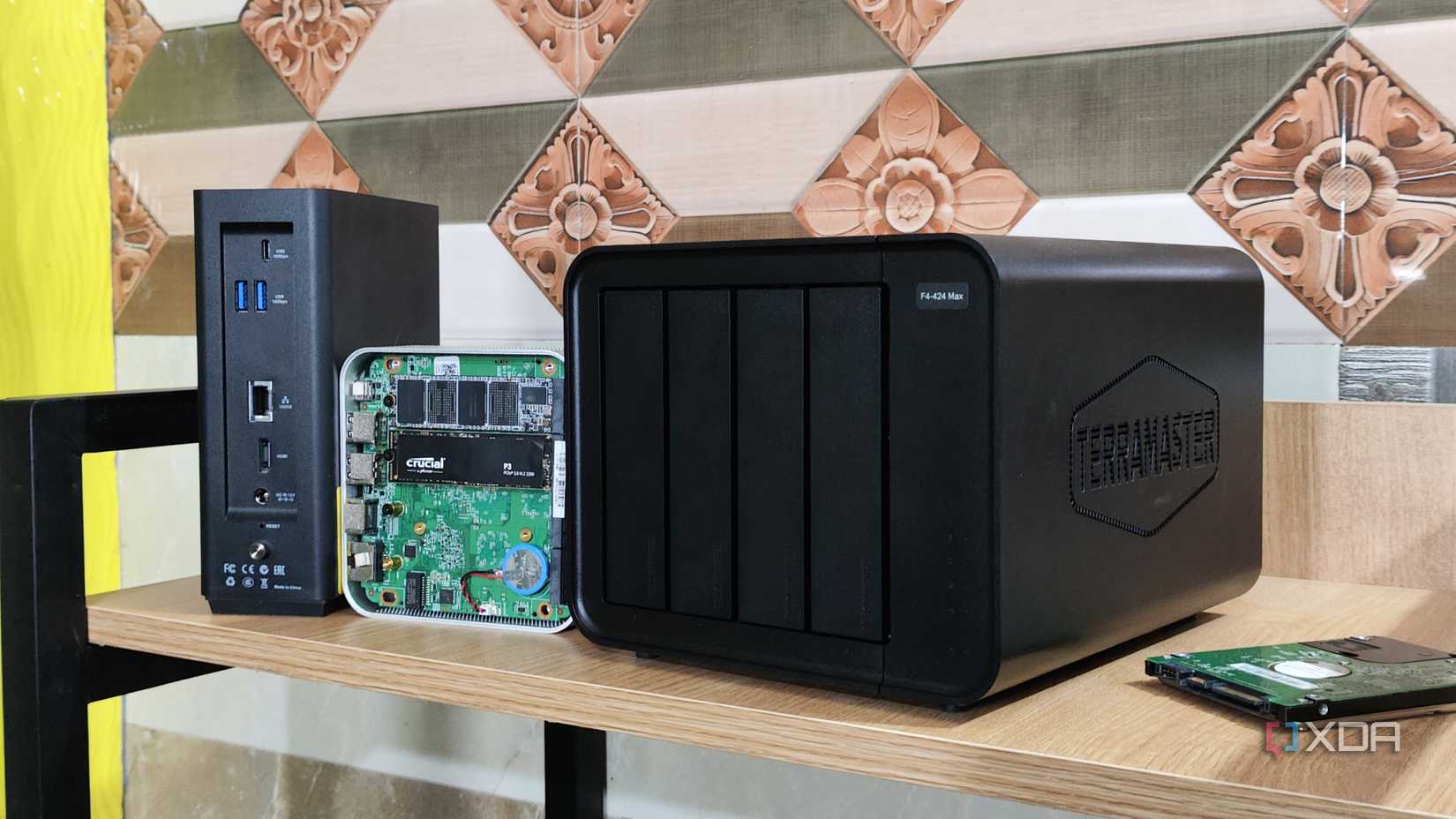
Not only does RAID have no problem disregarding the extra storage on my bigger disks in the pool, but I also have to contend with throughput bottlenecks introduced by slower drives. I've got a mixture of 5400 RPM and 7200 RPM disks. Since data gets distributed across multiple disks at once, the extra speed from the faster drive doesn't add much benefit.
Since I only really use this NAS for data that gets written once and seldom changed, the speed discrepancy between my drives has mostly been a non-issue. If you need a high-performance NAS, then you'd definitely want to ensure a speed of 7200 RPM across all spinning disks, or just spring for SSDs if throughput speed is paramount and you don't mind a smaller pool.
For my setup, I take whatever I can get my hands on. Even when one of my drives goes bad, I don't order a replacement. I simply go rummaging through my collection of discarded hardware to find something I can slot in to get up and running again. It's worked fine that way so far.
Matching drives are nice, but not a necessity
Buying identical drives has its perks, but my experience shows it's not automatically the safer route. If anything, I'd bet on a lot of miscellaneous drives collectively outlasting those that all came off the same truck. Mine continues to far exceed the admittedly low expectations I'd originally set for it.