
Hamlin has been in the tech field for over nine years. Since 2017, his work has appeared on MakeUseOf, Android Police, OSXDaily, Beebom, and more. He served as the Senior Editor at Valnet's MakeUseOf for over two years before joining XDA. He uses a high-end gaming rig for desktop use and a MacBook for traveling, but dislikes some of the quirks of macOS. You're more likely to catch him at the gym or on a flight than anywhere else.
Using the second or third PCIe slot on your motherboard is usually pretty straightforward. Whether you're installing a capture card, a network adapter, or even an expansion card to add more NVMe SSDs, you'd naturally assume that you can just plug it in and call it a day. After all, when you see three full-length slots on your motherboard, there's really no reason to think otherwise. Except things aren't always that simple, especially on modern motherboards where PCIe and M.2 slots can share lanes and limit the bandwidth available to your GPU.
I ran into this limitation with my MSI MPG X870E Carbon Wi-Fi motherboard, which I bought when I upgraded to AM5 earlier this year. But even my old Asus ROG Strix X570-E had similar restrictions, so this isn't exactly a new problem. The difference now is that more high-speed M.2 slots compete for PCIe lanes, making it easier to hit these limits without realizing it. That's why it's important to dig through your motherboard's manual and understand how its PCIe lanes are distributed before you buy an expansion card.
Populating it can cut your GPU's available bandwidth in half

Both my motherboards are perfect examples of why you shouldn't blindly populate your PCIe and M.2 slots. Sure, you can install an expansion card if you want, but depending on which slot you use, there can be compromises. On my MSI MPG X870E Carbon Wi-Fi, the primary PCIe slot, which houses my GPU, shares its 16 PCIe lanes from the CPU with the second PCIe slot and the M2_2 connector. This means if I install an expansion card in the second slot or install an NVMe in M.2_2, the motherboard needs to split those lanes into an x8/x4/x4 configuration.
The result is my RTX 4090 running at PCIe 4.0 x8 instead of x16, effectively cutting its available PCIe bandwidth in half. However, this isn't an issue if I populate the third PCIe slot on my board because that's connected to the chipset rather than sharing the CPU lanes allocated to my GPU. Even my ROG Strix X570-E board dropped the primary slot to x8 if I populated the second PCIe slot. Either way, your GPU running at x8 instead of x16 doesn't mean your gaming performance would drop by half since most games don't come close to saturating a PCIe 4.0 x16 connection in the first place.
Just because it's a full-length slot doesn't mean it's x16
Some PCIe slots are only wired for x4 or x8
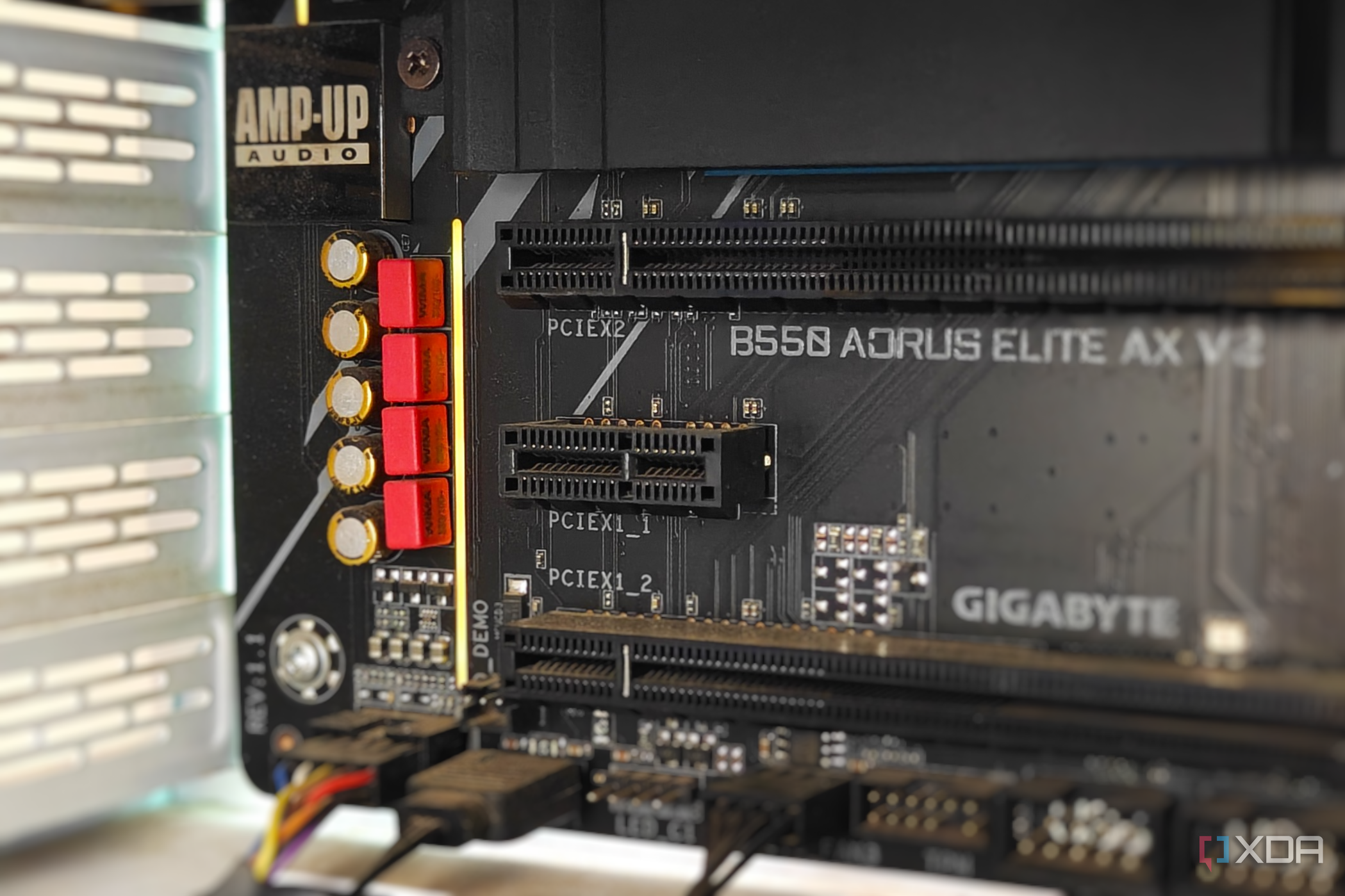
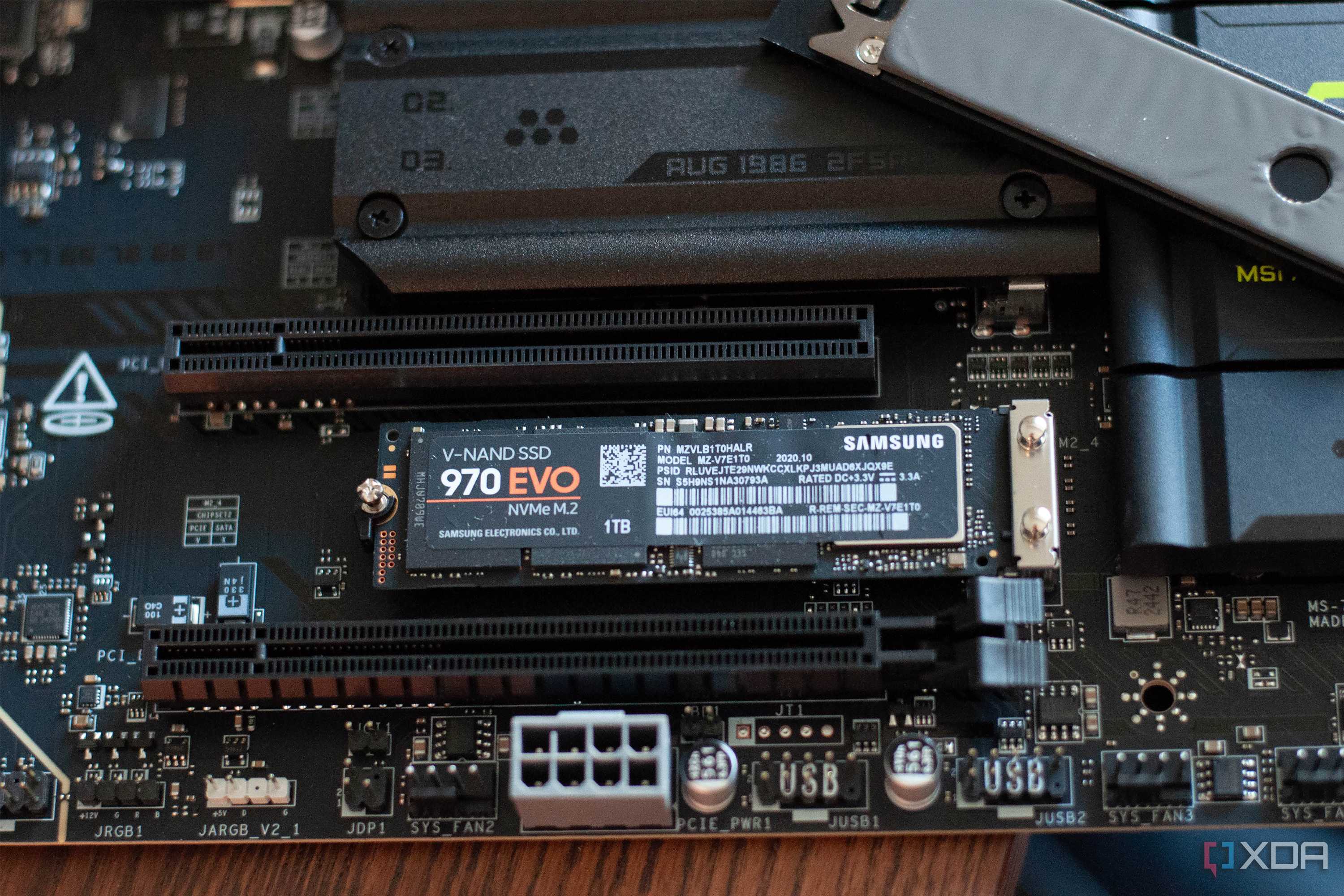
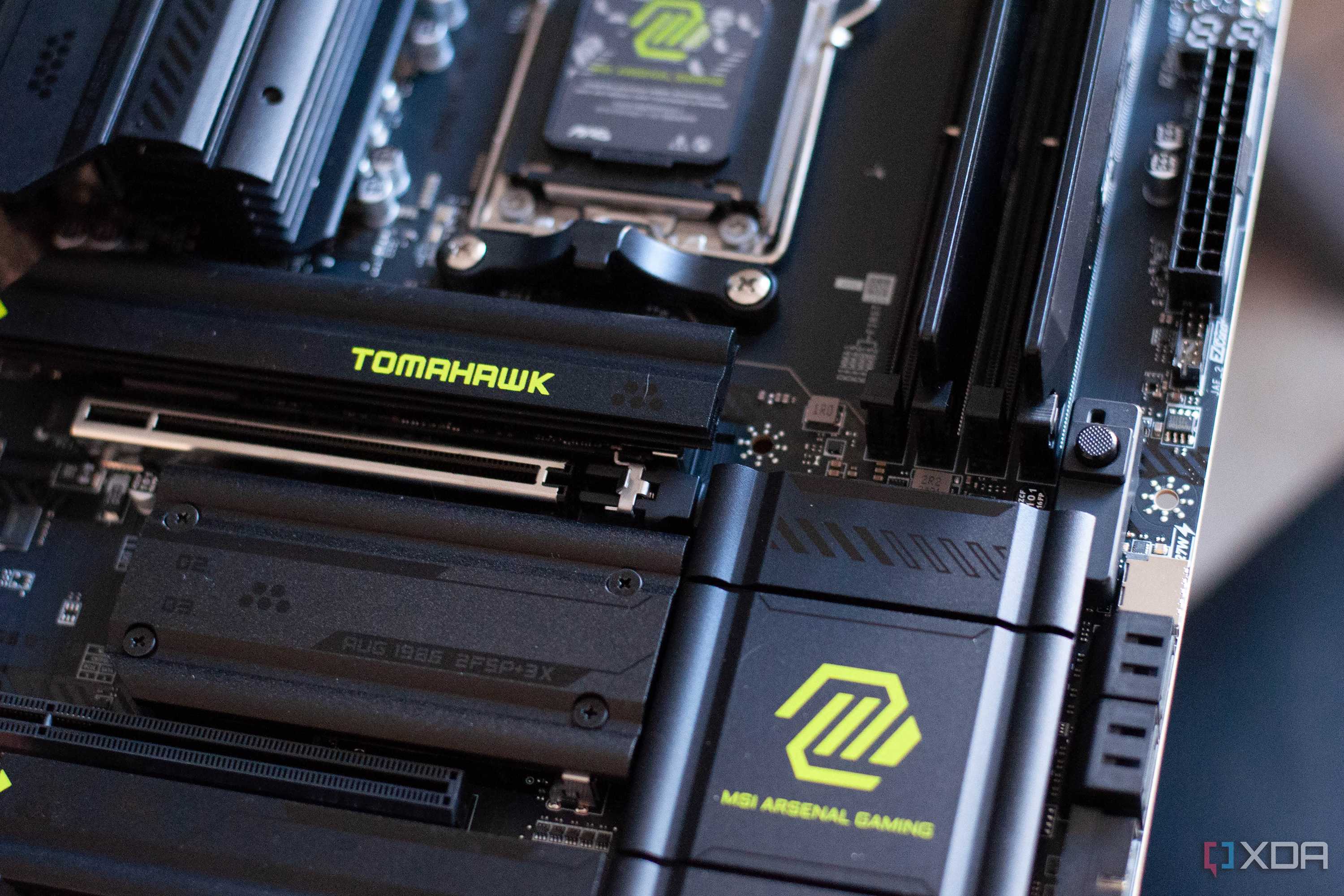
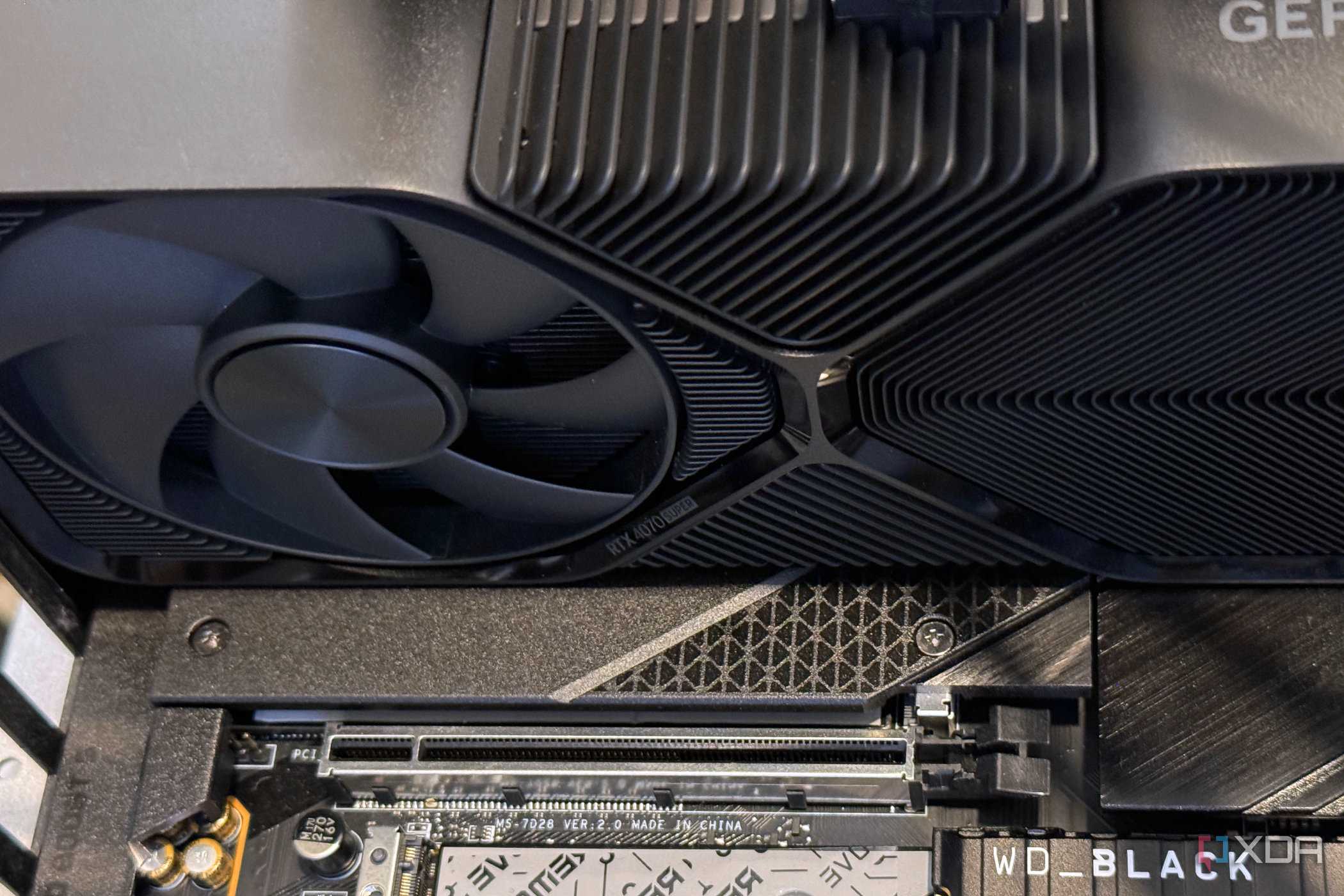
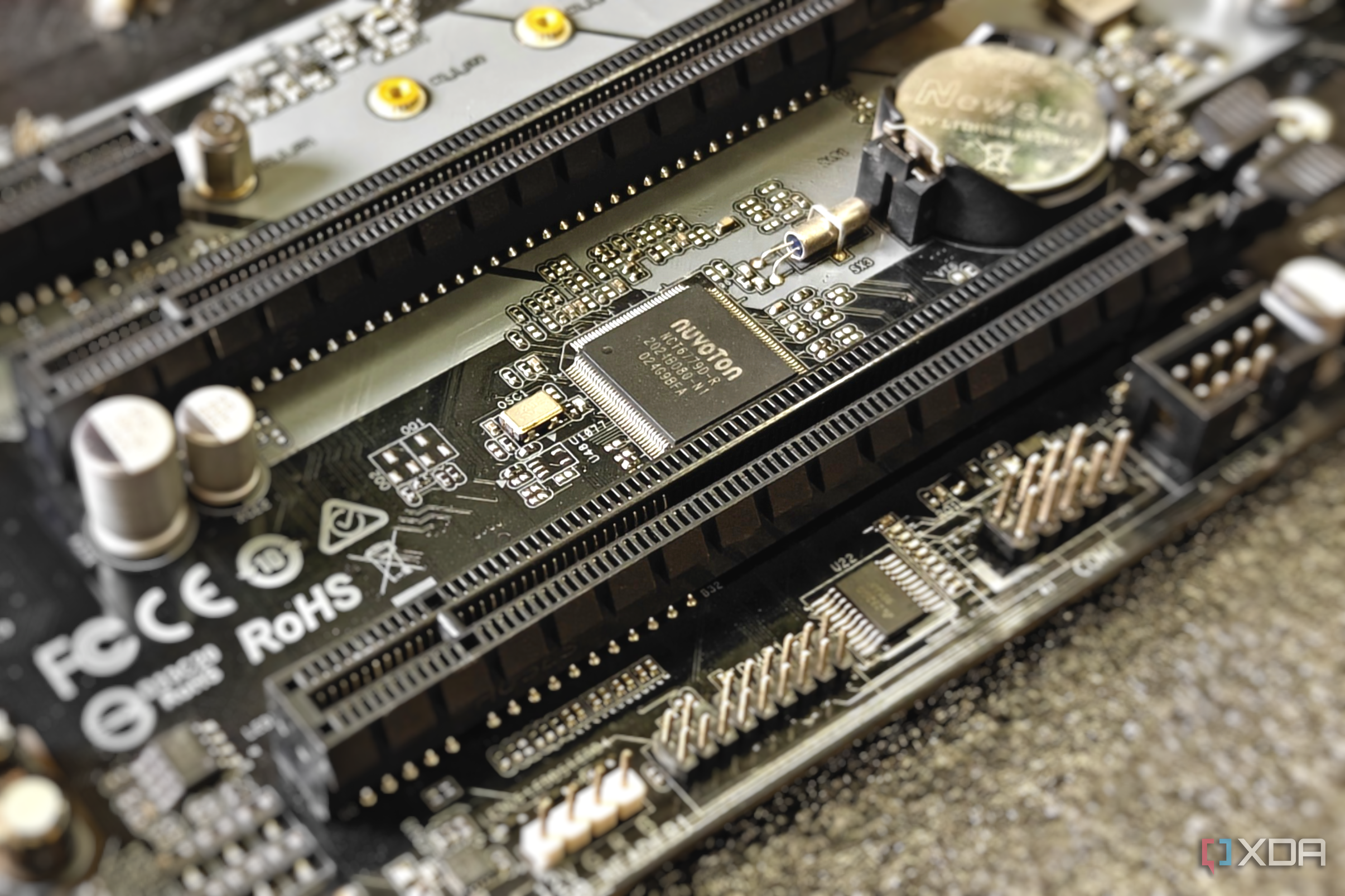
The second PCIe slot on your motherboard may look identical to the primary slot that you use for your GPU, but that doesn't necessarily mean it provides the same bandwidth. For instance, the second slot on my X870E Carbon Wi-Fi tops out at PCIe 5.0 x4, while the third runs at PCIe 4.0 x4 through the chipset. So even though those secondary slots are physically long enough to fit a GPU, they may only have four or eight lanes each, depending on the motherboard.
Of course, this is a non-issue if all you're planning to install is something like a capture card or a network adapter, since they typically don't need more than an x4 connection anyway. However, if you want to install a high-end PCIe expansion card like the Asus Hyper M.2 x16 for adding four NVMe drives, an x4 slot simply won't cut it. Even if the card physically fits, you may not even be able to use all four SSDs, since that depends on how many lanes the slot provides and whether your motherboard supports PCIe bifurcation.
Losing half your PCIe lanes isn't a big deal, though
But that doesn't mean you should ignore the trade-offs

Like I said earlier, running your GPU at x8 instead of x16 isn't going to tank your frame rates. For instance, if you have an RTX 5090 in a motherboard that supports PCIe 5.0, dropping to x8 means it still gets the same bandwidth as PCIe 4.0 x16, which is plenty. I'm not saying there's no performance difference, but if the gap between PCIe 5.0 x16 and PCIe 3.0 x16 is only around 1-4% in Gamers Nexus' testing, it's hard to argue that dropping to PCIe 5.0 x8 or even PCIe 4.0 x8 is a dealbreaker.
Now, if you're using an older motherboard with PCIe 3.0 slots, that's a different story. Dropping your GPU from PCIe 3.0 x16 to x8 could actually have a noticeable impact on gaming performance, especially in titles that need to transfer a lot of data between RAM and VRAM. And it's not just the GPU you need to worry about. Depending on the motherboard, populating the second PCIe slot can also reduce the bandwidth available to the M.2 slot that shares lanes with it, or even disable that slot altogether.
Check the manual and save yourself a headache
I'm not saying the second PCIe slot is pointless just because it shares lanes with your GPU or an M.2 slot. You can still use it for all sorts of expansion cards, but you need to know what you're getting yourself into. That's why it's worth spending a few minutes in the manual to see how the PCIe lanes are distributed and whether filling one slot comes at the expense of another. Next time you upgrade your motherboard, dig through the spec sheet and check the fine print in the PCIe specifications. The last thing you want is to spend money on an expansion card only to realize your motherboard can't fully support it.