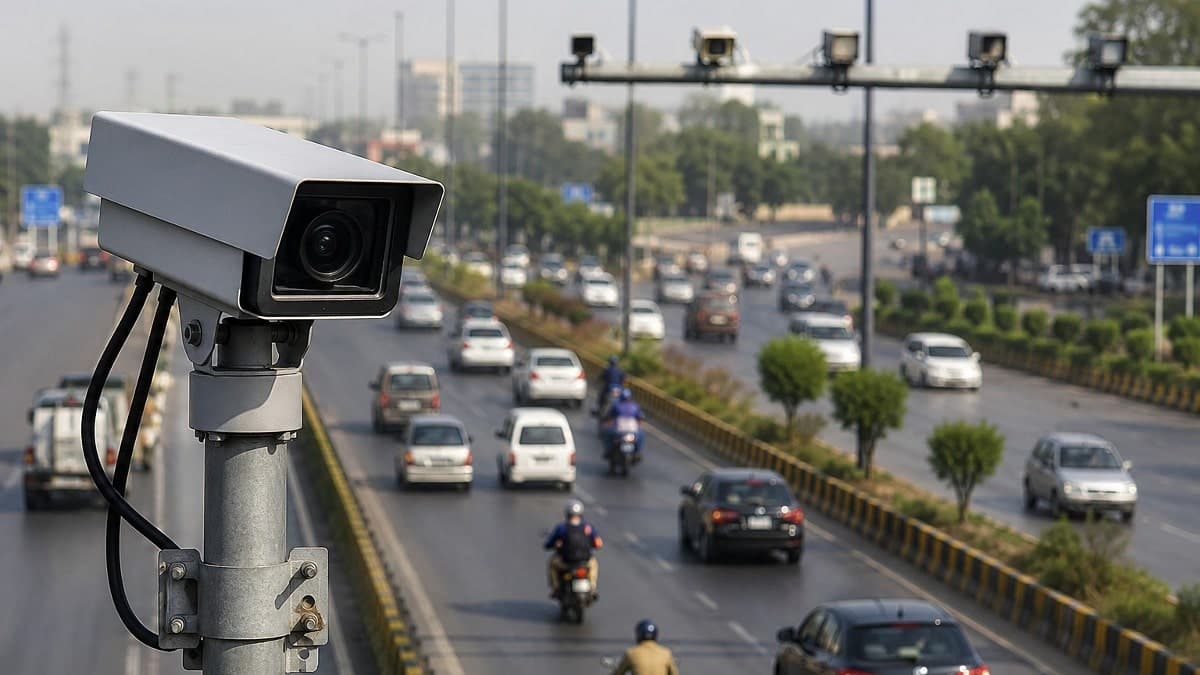
Punjab Police has shared an easy way for citizens to check their Punjab e-challan online through the Punjab Safe Cities Authority (PSCA) Public Safety App.
In a statement issued on Tuesday, October 27, 2026, Punjab Police said vehicle owners can check their traffic challans directly on their mobile phones.
The service allows citizens to view their traffic violation records from home. They no longer need to visit a traffic police office just to check their e-challan details.
Punjab Police has advised citizens to open the Public Safety App and select the Search Challan option.
The application is available for both Android and iPhone users. It also offers emergency assistance and other public safety services.
How to Check Punjab E-Challan Online Through Mobile App
Citizens can check their traffic e-challans by following these steps.
Step 1: Download the PSCA Public Safety App
Open the Google Play Store on an Android phone or the Apple App Store on an iPhone.
Search for PSCA – Public Safety. Select the official application developed by the Punjab Safe Cities Authority and install it.
Step 2: Open the Application
Launch the app after installation. Complete any initial setup or permissions requested by the application.
The home screen provides access to several public safety services, including traffic e-challans and emergency complaints.
Step 3: Select the E-Challans Option
Find the E-Challans section on the home screen. Tap Search Challan to open the traffic challan verification service.
Step 4: Enter Vehicle Details
Enter the vehicle registration number as requested. The system may also ask for the vehicle owner’s CNIC.
Follow the instructions displayed in the app to provide the required information. Ensure the details match the vehicle’s registration record.
Step 5: Check Your E-Challan
Submit the information to search for traffic challans. The app will display available e-challan records linked to the entered details.
These records may include the violation date, offence type, fine amount, and challan status.
Step 6: Download Your E-Challan
Users can also download available e-challans through the application.
They should review the displayed information carefully and save the challan if they need a copy for their records.
What Other Services Does the Public Safety App Offer
The Punjab Safe Cities Authority has developed the Public Safety App to provide several public safety services through mobile phones.
In addition to checking e-challans, citizens can use the app to register and track complaints.
The application also provides access to emergency assistance through Police 15 and other public safety services.
Users can contact relevant authorities through communication features such as live chat and video support.
The app also provides access to the Virtual Women Police Station and other citizen assistance facilities.
Where to Download the PSCA Public Safety App
The PSCA Public Safety App is available for Android and iPhone users through their official app stores.
Citizens can search for PSCA – Public Safety and install the application published by the Punjab Safe Cities Authority.
Punjab Police has advised citizens to use the app to check their e-challans without visiting an office.
Vehicle owners should use only official PSCA platforms for challan verification. They should avoid suspicious links or messages requesting payments or personal banking information.
The post How to Check Punjab E-Challan Online Through PSCA Public Safety App appeared first on ProPakistani.